

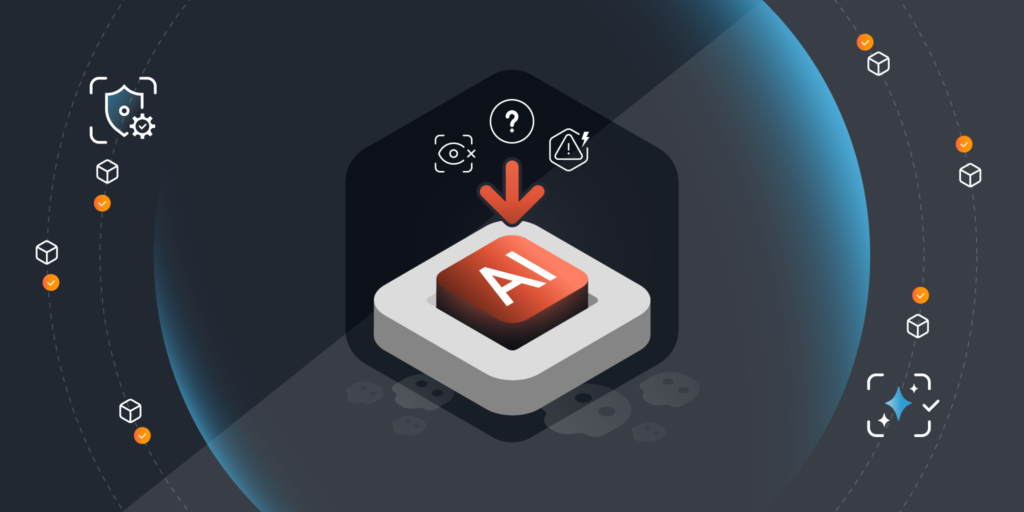
AI is spreading across your business faster than your policies. Teams are experimenting with local models on laptops, browser extensions, and free tools. That energy creates value, but unfortunately, it also creates a visibility and AI governance gap that puts data, operations, and compliance at risk. If leadership cannot see how and where AI is being used, you cannot manage it, measure it, or prove it is safe.
AI use has escaped managed cloud services. Anyone can now run powerful models locally and with zero oversight. It is convenient, but it can lead to sensitive data being compromised. Not all external models or services respect your privacy or compliance policies. A single uncontrolled AI implementation can expose data outside of your governance perimeter.
At the same time, regulators are raising the bar. The EU AI Act, data protection authorities, and industry frameworks expect organizations to know what AI they use, document it, and control it. Executives do not need to be experts in every clause, but you do need proof that your program meets recognized standards and that controls actually work.
Most companies have shadow AI. Teams adopt browser-based tools and install local apps or test models on spare servers. They rarely pass through the appropriate procurement channels or the CMDB. As a result, AI tools go unreported, undiscovered, and thus unmanaged.
Devices that can run AI, because of their CPU, GPU and memory, are especially important to identify. That is why step one is a unified view of your technology estate. Without a unified asset view, you will miss where AI is running, what data it can touch, and who is accountable.
You cannot govern what you cannot see. Start with an asset map that shows:
This is where Lansweeper helps. Lansweeper aggregates and normalizes asset data across your environment so you can act on a single, accurate view. Two new Lansweeper reports make shadow AI visible in minutes:
Use the first to understand potential exposure and set guardrails. Use the second to focus controls and remediation where AI is already in use.
Many AI risks now originate in the browser. Employees install extensions or use web apps that move sensitive text and files through external services. To address this, we are integrating traffic sensor capabilities into Lansweeper, following the Redjack acquisition.
Over the next few months, our team will reshape RedJack capabilities into new Lansweeper functionality that will give executives and security teams clearer views of browser-based AI application use. The goal is to surface which users, devices, and business units are interacting with AI tools in the browser. Based on that data you can coordinate or instigate informed policies to allow, guide or (where necessary) restrict usage.
Lately, a new category of AI-powered browser tools – often called agentic browsers – are emerging. These have the capability to not just summarize or assist, but to act autonomously on behalf of the user (e.g., navigate sites, fill forms, access connected services). Examples include Comet from Perplexity AI.
Recent security research shows that, unfortunately, these tools introduce novel attack surfaces:
Any AI-browser tool capable of autonomous actions must be treated like a privileged application.
Policies are a great basis for AI governance, but your team needs to day-to-day concrete actions to properly implement them. Translate frameworks into an operating model your teams can run:
Defining your policies and setting up your framework and processes can take some time. AI is already here. Here’s what you can do to take back control today:
You do not need a 50-page policy to make progress. You need a clear line of sight into AI use, simple guardrails, and an operating rhythm that scales with demand. Turni AI governance from an abstract ambition into concrete steps
Start with visibility, convert it into control, and grow from there. Lansweeper provides the asset intelligence to move quickly and confidently, while the Redjack integration is designed to bring your browser-based and agentic-browser usage into view and help coordinate policy decisions.
Blog
Explore the full platform, free for 14 days.
No credit card required.