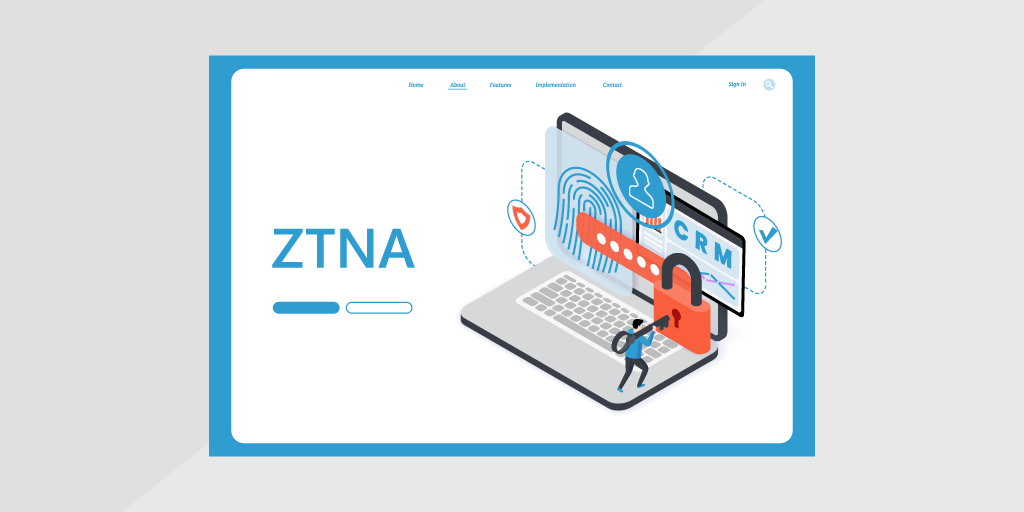
“Trust no one.” This quote calls to mind multiple action thriller blockbusters that featured star-powered casts and a renegade fugitive running for his life. But in the world of IT, it characterizes a cybersecurity model that most enterprises are now adopting: Zero Trust Network Access (ZTNA).
In their mission to combat the growing threat of cybercrime, Cybersecurity providers are helping customers implement the Zero Trust model, to provide stronger cyber threat defense and a better end-user customer experience. In this post, we’ll explain the concept of ZTNA, how it works, and why device recognition technology is the basis of a Zero Trust architecture.
A Zero Trust architecture guards against unauthorized access by enforcing access policies based on the context of the device or user attempting access. The approach is a paradigm shift from older perimeter-based network architectures that rely on approved IP addresses, ports, and protocols to establish access controls and validate trusted entities, where anyone connecting over a VPN is considered trusted. The problem with these legacy approaches is that VPNs enable remote and unprotected user devices to connect to the network, and a bad actor who gets their hands on leaked credentials can easily break in and launch an attack via spyware or ransomware.
By contrast, Zero Trust looks at the user’s role and location, the device being used, and the information they’re requesting and assumes the user is guilty until proven innocent.
Each user, machine, and application has its own perimeter, and access is controlled based on users having “just enough” and “just-in-time” access according to their identity, role, and company policy. Zero Trust applies to devices and applications as well as users, whether on-premises, remote, or in the cloud, and assumes no device or person can be trusted. It doesn’t matter if someone has accessed the network before. Their identity is considered potentially malicious until verification is complete.
There are three key technologies in place in a Zero Trust architecture:
Working together, these technologies reduce the risk of unauthorized access, mitigating the increasing risk of cybercrime.
Device identity is a verified record of what a device is: its make, model, operating system, and owner. In a Zero Trust model, it’s the starting point for every access decision. If the access engine can’t recognize a device, it can’t judge whether that device should connect.
Device identity often gets confused with two related terms. All three matter, but each answers a different question:
| Term | What it answers | How often it changes |
|---|---|---|
| Device identity | What is this device, and who owns it? | Rarely |
| Device posture | Is it patched, configured, and free of critical vulnerabilities right now? | Daily or faster |
| Device trust | Should this device get access at this moment? | At every request |
Device trust is the decision. Identity and posture are the evidence behind it. A device with a valid identity but outdated patches fails the trust check, and so does a healthy device the network has never seen.
Recognizing a device reliably is harder than it sounds. Many devices share generic names or report incomplete data, which is why device fingerprinting combines multiple network signals to identify each one accurately.
Zero Trust doesn’t grant access once and move on. It checks the device, the user, and the context at every request, then keeps checking. Most implementations follow the same five steps:
Device identity and user identity work as a pair. A valid user on an unpatched laptop is still a risk, and so is a managed device in the wrong hands. That’s why Zero Trust policies combine identity and access management with device signals rather than relying on either one alone.
Every step depends on data quality. When the inventory is incomplete or out of date, the access engine decides on the wrong facts, and policies fail in ways that are hard to trace.
Device identification and recognition create a solid foundation for implementing Zero Trust network access. The Zero Trust model requires the authentication and authorization of every device and person before any access to data is granted. To achieve this, you must identify and recognize the devices used to connect to the network.
Zero Trust policies constantly look for signals of a potential threat, such as a user attempting to access the network using an unknown device or logging on from an unknown location. If the device or the user exhibits unfamiliar behavior, access is denied. It’s therefore critical to understand the organization’s “protect surface”: the users, devices, data, and applications comprising the corporate infrastructure and where all those resources are located. Having a complete inventory of all the network devices enables IT teams to map out where Zero Trust security policies should be enforced.
Once that inventory is in place, Lansweeper helps IT and Security teams build Zero Trust and segmentation policies on verified asset data, so every enforcement tool works from the same device classification.
Zero Trust programs usually start with managed laptops and servers, because those devices run agents that report their status. The gaps appear everywhere else.
Personal devices connect to email and SaaS apps without IT ever managing them. OT systems on the factory floor can’t run agents and often can’t tolerate aggressive scanning. IoT devices such as cameras, printers, and building sensors rarely report posture at all. Each one is a device the access engine can’t fully recognize. Block it, and the business is disrupted. Allow it, and you’ve created exposure.
This is where many Zero Trust programs stall. With unmanaged devices, the first step is knowing how many you have, and visibility gaps are a leading reason Zero Trust initiatives fail.
Closing the gap starts with agentless discovery: identifying devices from network signals instead of software installed on each one. It brings personal, OT, and IoT devices into the inventory, so IT and Security can classify them, assess their risk, and cover them with policy. In industrial environments, that discovery must also be safe for sensitive systems, which is the focus of OT security.
Before choosing tools to support Zero Trust, check whether your device data can support the policies you plan to enforce. Six questions separate a reliable foundation from a fragile one:
Lansweeper’s Cyber Asset Intelligence Platform gives IT and Security one continuously validated view of every device across IT, OT, IoT, and cloud. Agentless discovery covers devices that can’t run agents, and device recognition is benchmarked against collective intelligence from 175M+ devices across 30,000+ environments. That trusted context flows into the enforcement tools your Zero Trust program depends on, so every access decision acts on verified facts.
Lansweeper Embedded Technologies delivers Device Recognition and Identification capabilities to provide complete visibility across the growing and distributed technology infrastructure. By embedding our Device Recognition Technology into your cybersecurity solution, you can offer your clients an essential service to help them build their Zero Trust infrastructure while differentiating your cybersecurity products from those of your competitors.
Lansweeper quickly and automatically scans and identifies all devices on a network. It analyzes common protocols to identify billions of wireless and wired devices, revealing their make, model, category, and OS with limited input data. Lansweeper generates a unique fingerprint for each device, then encrypts and stores it in our vast and growing database. Cybersecurity providers can quickly and easily integrate Lansweeper’s Device Recognition Technology into their products using our SDKs and Cloud API. We also offer offline databases and on-premise solutions to meet special requirements, for example, in government or other sensitive environments.
With the ability to identify connected devices in real time, implementing Zero Trust network access policies to protect your organization from malware, ransomware, and other cybercrime is a goal within reach.
Embedded OEM Technologies
Accelerate your go-to-market by leveraging our embedded technologies.
Device trust is the practice of verifying that a device is known, healthy, and compliant before it can access company resources. It goes beyond confirming a user’s password: a trusted device has a recognized identity, a current patch level, no critical vulnerabilities, and a known owner. In a Zero Trust model, device trust is checked at every access request, not once at login. Lansweeper gives IT and Security a continuously validated inventory of every device, so device trust decisions rely on current data.
Zero Trust models use device identity as one of the signals checked before access is granted. The access engine confirms which device is making the request, compares its posture against policy, and combines that with the user’s identity, role, and location. If the device is unknown, unmanaged, or out of compliance, access is denied or limited. Because posture changes, Zero Trust re-verifies the device continuously rather than trusting it after the first check.
Device identity answers “what is this device?” Device posture answers “is it safe right now?” Identity covers the device’s make, model, operating system, and owner, and it rarely changes. Posture covers patch level, vulnerabilities, configuration, and security agent status, and it can change daily. Zero Trust needs both: identity to recognize the device, and posture to decide whether it should get access at this moment.
Yes, but personal devices need extra controls because IT doesn’t manage them. Common approaches include limiting personal devices to specific applications, requiring a posture check before access, and segmenting them away from sensitive systems. The first step is knowing which personal devices are connecting at all. Lansweeper’s agentless discovery identifies devices that don’t run a management agent, so they can be classified and covered by policy instead of slipping through.
They form three layers of the same access decision. User identity confirms who is asking. Device trust confirms the device is known and healthy. Microsegmentation limits what that user and device can reach once access is granted, so a compromised device can’t move laterally. Each layer depends on accurate asset data: if a device is misclassified, both the trust check and the segment it lands in will be wrong.
No. Zero Trust is the overall security model: never trust by default, always verify. Zero Trust Network Access (ZTNA) is one technology that applies that model to remote and application access, typically replacing or supplementing VPNs. ZTNA grants access to specific applications rather than the whole network, and it checks user and device identity on every request. Most Zero Trust programs combine ZTNA with identity management, device trust, and segmentation.
Blog
Explore Lansweeper for free.
No credit card required.