

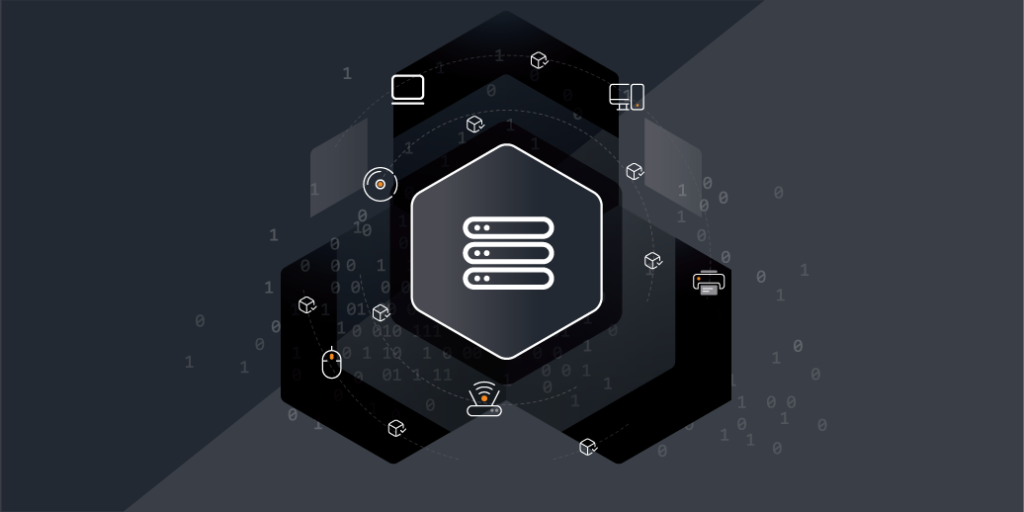
With technology constantly evolving and IT environments becoming increasingly complex, ensuring your infrastructure stays aligned with business objectives is a real challenge for everyone from CIOs to sysadmins. That’s where Configuration Management Database (CMDB) and IT Asset Management (ITAM) come into play. In this article, we will uncover how to keep your business goals within reach by enhancing asset visibility, streamlining control, and boosting overall efficiency.
A CMDB keeps track of all your hardware, software, and network assets. It maps out how everything in your infrastructure connects and depends on each other, giving you a clear view of all assets and their interconnections.
One of a CMDB standout features is its ability to map relationships and dependencies between assets. For example, if a server fails, the CMDB can instantly show which applications and services rely on it, which enables faster root cause analysis and minimizes downtime. This interconnected view is essential for effective change management, as it allows you to foresee the ripple effects of changes across the system.
ITAM, on the other hand, tracks every step of an asset’s journey—from when you buy it, how it’s used, maintained, and eventually retired. ITAM makes sure you’re not overspending on licenses, helps you stay compliant with regulations, and ensures you’re getting the most value out of every asset. ITAM’s key features include asset tracking, financial management, compliance monitoring, and risk management.
Each system brings unique capabilities to the table, but their true power emerges when integrated. By combining these two, you benefit from real-time data synchronization, better decision-making, and streamlined management. The integration creates a unified platform where both asset data and configuration data coexist.
Integrating CMDB and ITAM may seem complex, but with the right approach, the process can be seamless. Here’s a step-by-step overview:
Common challenges during integration include data inconsistencies and lack of visibility into asset relationships. These can be addressed by establishing clear governance standards and ensuring regular audits of integrated systems.
To make the most of CMDB and ITAM integration, follow these best practices:
Many organizations have already realized the benefits of integrating ITAM and CMDB. However, for many CIOs, achieving seamless integration can still feel like a challenge.
Lansweeper’s asset discovery solution simplifies this process, helping you bridge the gap between these two powerful systems. By ensuring that you always have access to complete and comprehensive asset and configuration data in real time, Lansweeper provides you with the clarity and control you need to make smarter decisions, reduce costs, and keep your IT operations running smoothly.
Lansweeper Demo
Sit back and dive into the Lansweeper interface & core capabilities to learn how Lansweeper can help your team thrive.
Blog
Explore the full platform, free for 14 days.
No credit card required.