

The Lansweeper Asset Intelligence for ITSM Platforms Agent takes a plain-English question about assets, users, vulnerabilities or software and answers it end-to-end from live Lansweeper data. It confirms the correct site, finds the best matching pre-built query or builds one from the underlying datasets, and presents the result in plain English with a table for longer lists. It always leads with the number, flags any data limitations, and suggests one or two related follow-up questions.
This is a data assistant, not a decision workflow. It does not read or write Jira tickets, does not make recommendations, and does not take any write action — its only job is to surface accurate, grounded asset intelligence so the person asking can decide what to do with it.
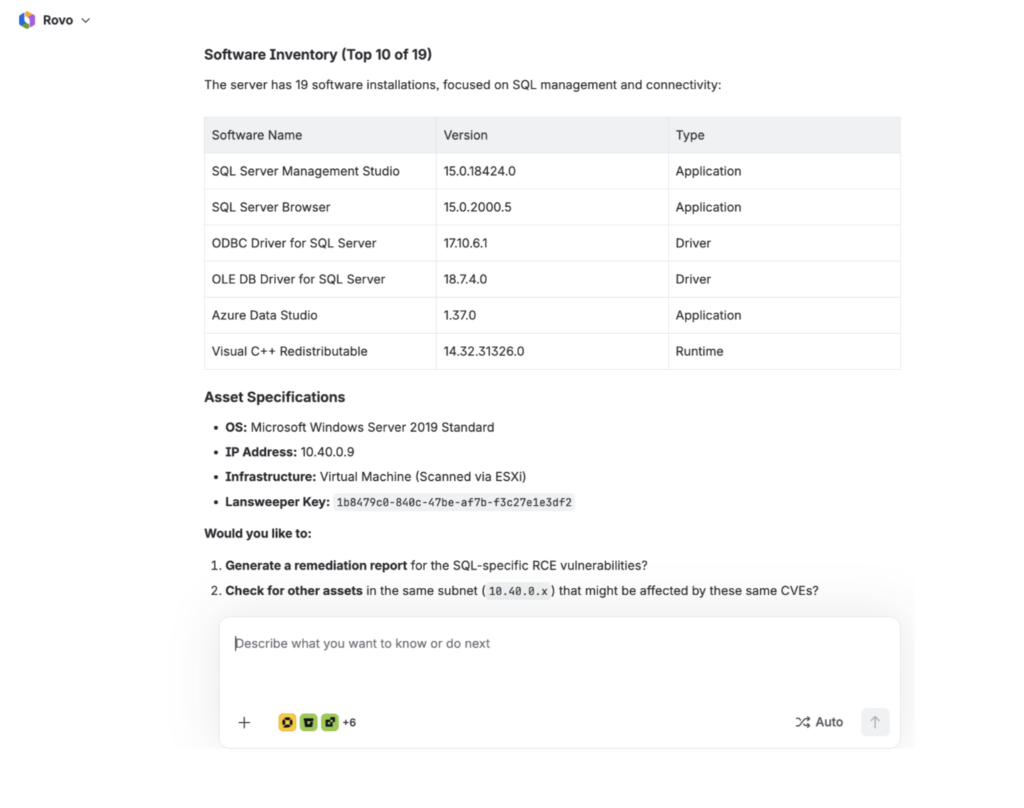
https://mcp.lansweeper.com/mcp
https://mcp.atlassian.com/v1/mcp/authv2
Atlassian Jira Cloud – create issue permission required
Slack app with chat: write scope on target channel
Atlassian Rovo, designed to work with any ITSM tool connected via MCP (Jira Service Management, ServiceNow, Freshservice)
Starter, Pro, Enterprise
Identifies affected assets and scores by risk
Maps and reduces unnecessary exposure
This agent currently runs on one platform: Atlassian Rovo.
Step 1 — Download
Download the agent package from the location in section 6 below, or ask your Lansweeper contact for the current build.
Step 2 — Open Rovo
Open Atlassian Rovo from your Atlassian site and go to Agents.
Step 3 — Load the instructions
Create a new agent and paste the contents of the Rovo instruction set into the agent’s instructions field.
Step 4 — Connect Lansweeper
Connect and authenticate the Lansweeper MCP connection (EU or US endpoint, as required) and confirm the agent can retrieve your site list. This agent does not need a Jira or ITSM connection — it only queries Lansweeper.
Step 5 — Run a test question
Ask the agent a simple asset question, for example “How many active assets do I have?” Confirm it confirms the site first, leads with the number, and does not fabricate a result if the query returns zero.